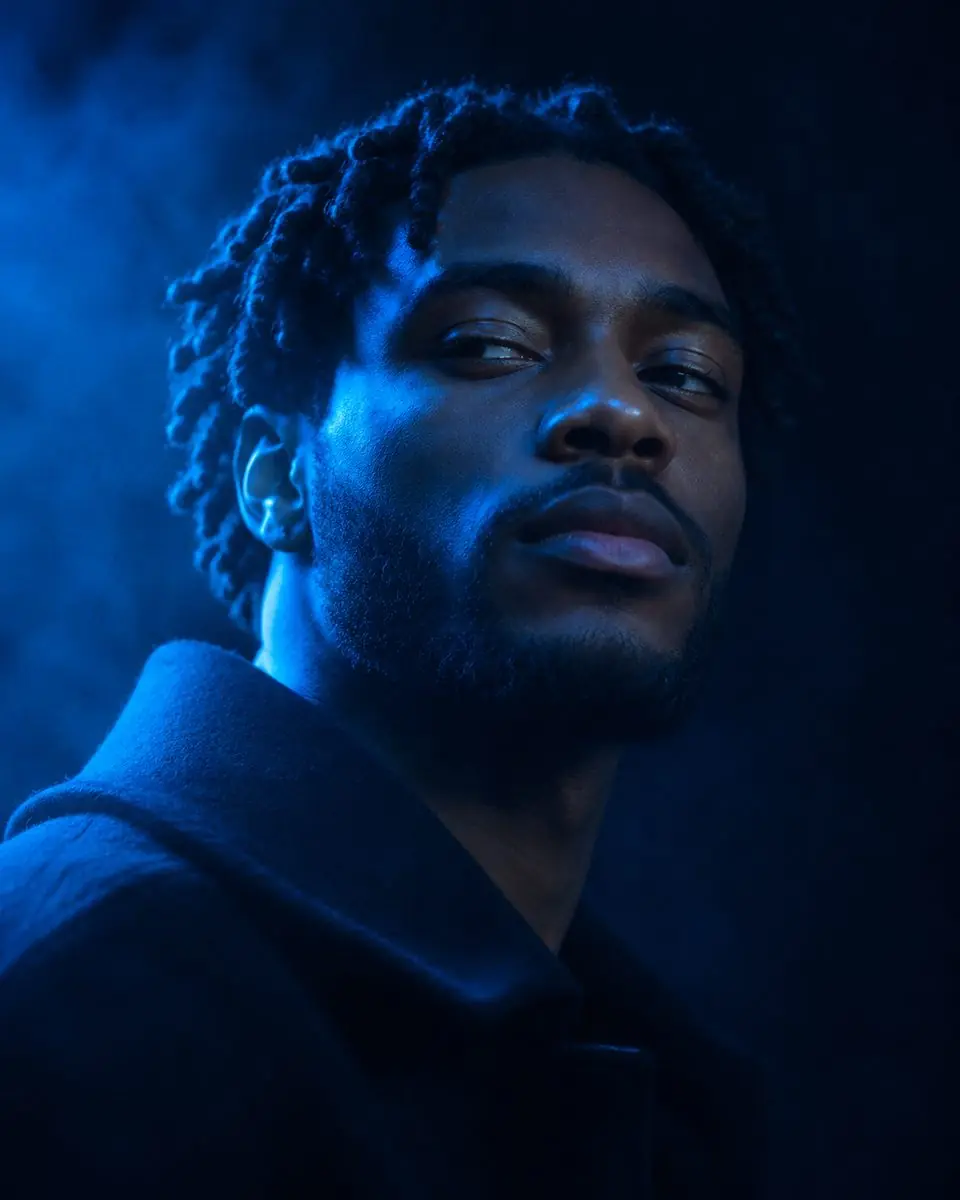
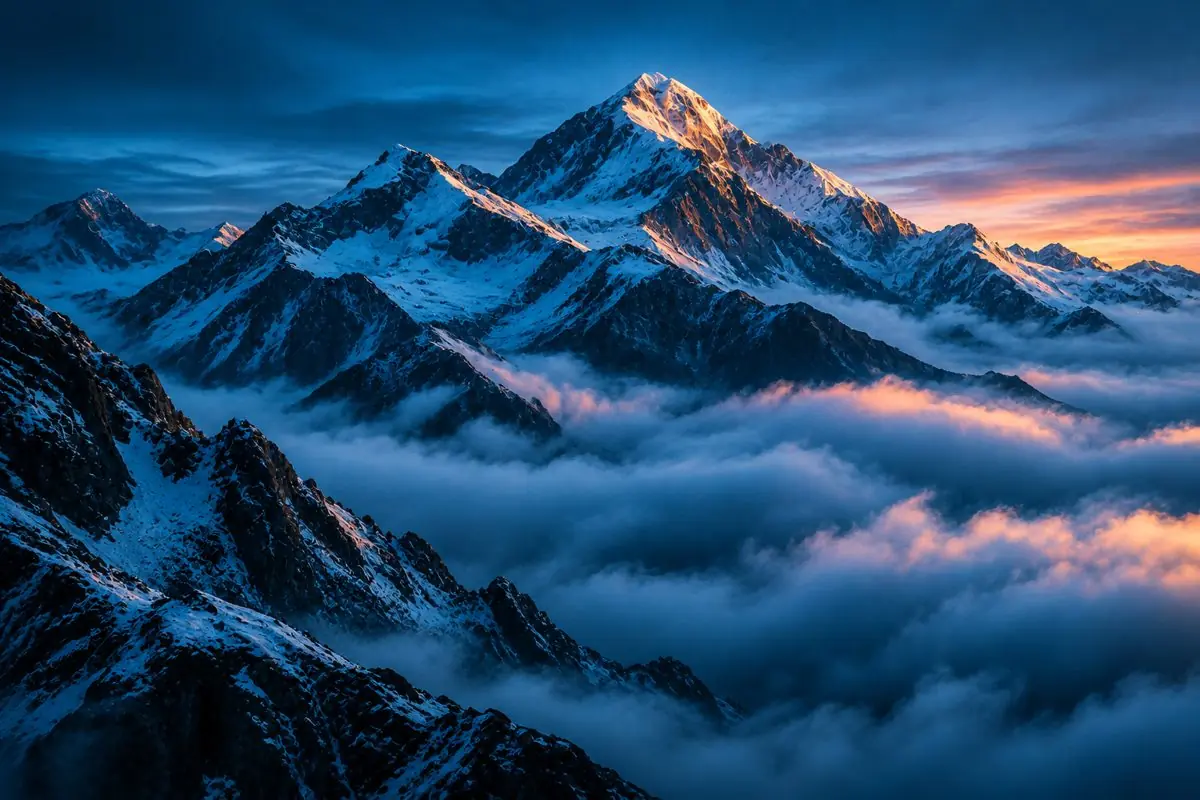
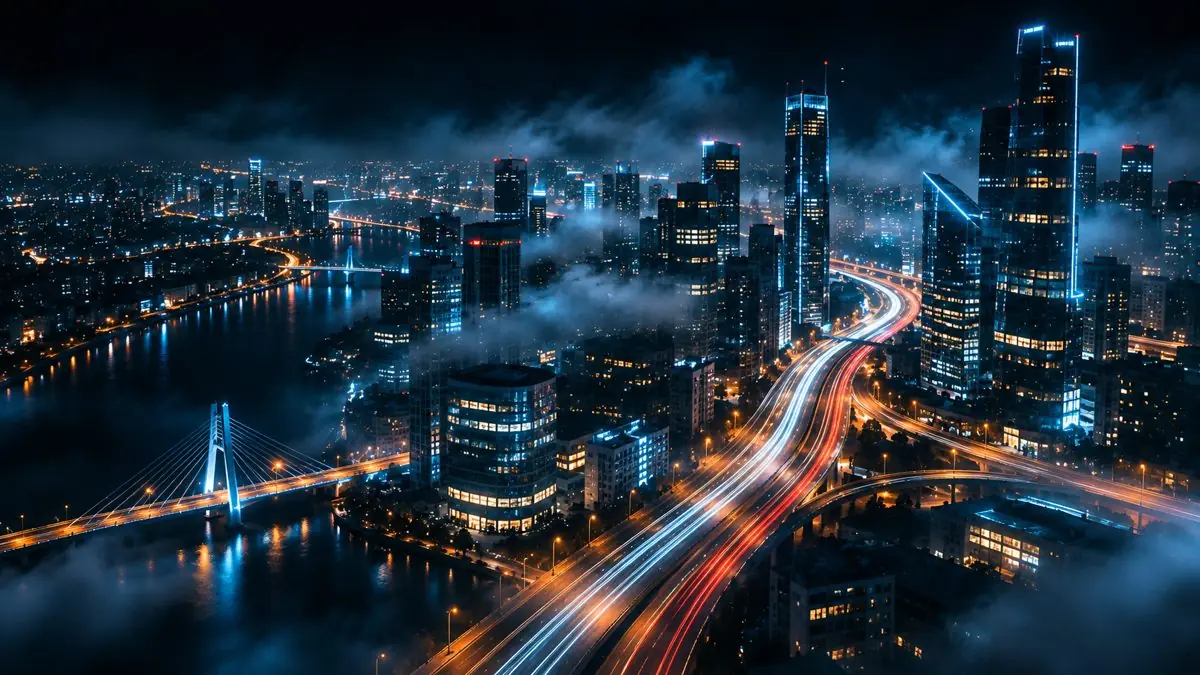
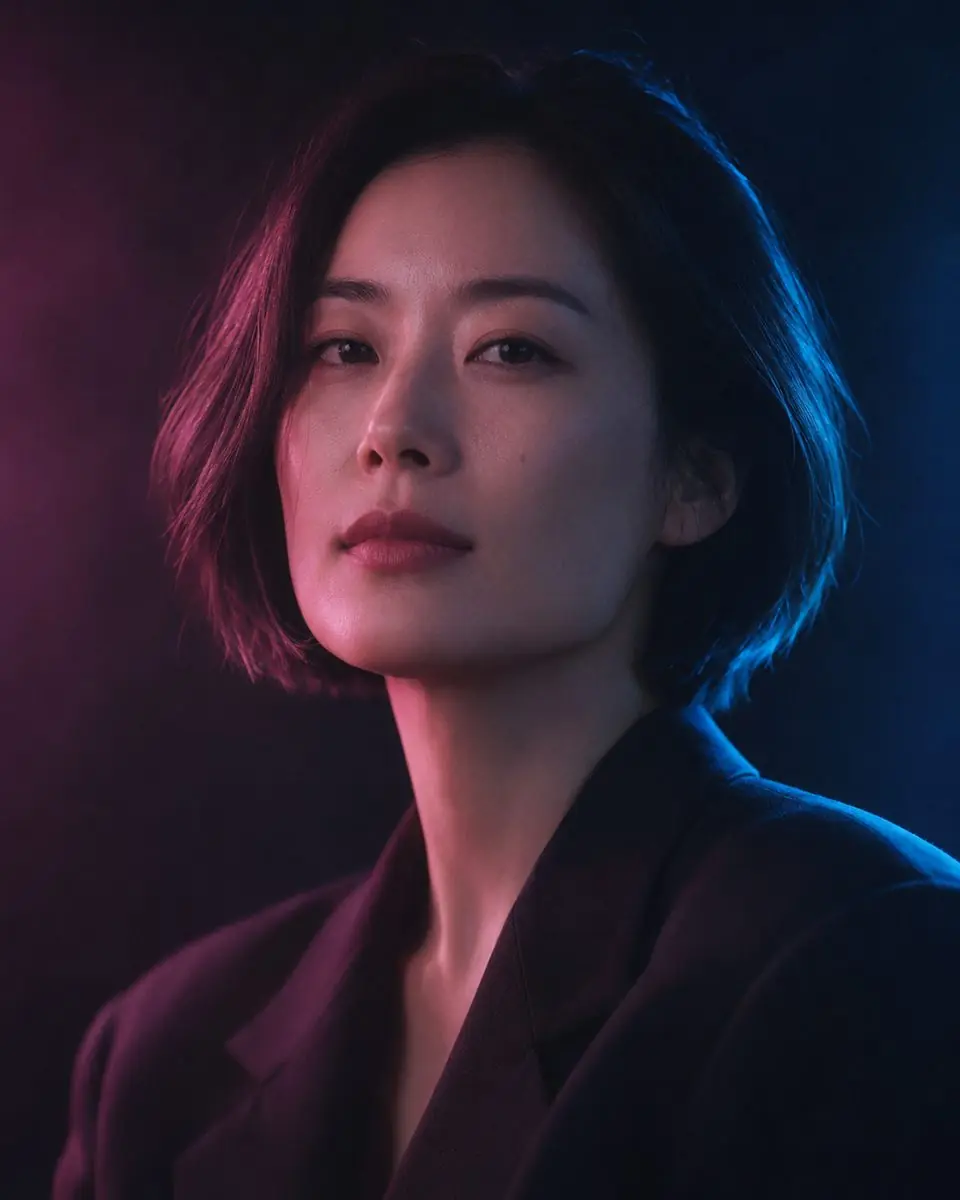
Image to video AI: how to animate a photo with Kling and Seedance
genframe team2 min readPrices checked November 13, 2026
In short
- Upload a sharp image and describe only the motion, not the whole picture again.
- Kling 3.0 is the best value for most clips. Seedance 2.5 gives the most cinematic camera moves and sound.
- A 5-second clip costs from €0.75 in genframe. You see the price before you start.
You have a good picture and want it to move: hair in the wind, a camera flying over a city, a product turning on a table. Image to video AI does exactly that. You upload one image, describe the motion, and get a short clip with the same look. In genframe you can do it with Kling 3.0, Seedance 2.5 and Gemini Omni Flash in one place.
Which model to choose
| Kling 3.0 | Seedance 2.5 | Gemini Omni Flash | |
|---|---|---|---|
| Best for | People, products, everyday scenes | Cinematic camera moves, long shots | Quick tests |
| Price in genframe (5 s) | €0.75 | €1.23 | €0.75 |
| Plan | From Start | From Pro | From Start |
Step by step
- Open the generator, switch to Video and choose a model.
- Press Reference and upload your image. Use a sharp picture with a clear subject; the video keeps its framing.
- In the prompt, describe what moves and how the camera moves. Don't repeat what is already in the picture.
- Choose the length and aspect ratio. Keep the aspect ratio of your image.
- Check the price under the button and press Generate. The clip appears in My works.
How to describe motion
- Subject motion first: "She turns her head to the camera and smiles."
- Then the camera: "Slow push-in", "orbit around the product", "drone flies forward over the city".
- Then atmosphere: "light rain starts", "neon signs flicker", "steam rises from the cup".
- One main action per clip. Two or three actions in 5 seconds usually look rushed.
- Sound (Kling, Seedance): add "sound of rain and distant traffic" if you want audio.
Common problems and fixes
| Problem | Fix |
|---|---|
| The face changes | Use a closer, sharper photo and add "keep the face unchanged" |
| Nothing moves | Name a clear action and a camera move |
| Strange hands or objects | Shorter clip, simpler action |
| Wrong framing | Generate the image in the target aspect ratio first |
FAQ
Is there a free image to video AI?
Some services give a few free clips with a watermark. In genframe video starts on the Start plan (€9.90/month) or with a one-time credit pack; free credits for new users cover images, not video.
Can I animate an image I made in Nano Banana or Seedream?
Yes. Make the image in genframe, then send it to Kling or Seedance in one click.
How long can the video be?
Most clips are 5 to 10 seconds. Longer scenes are made from several clips.