


Freelance video editing: making money with AI
- Editing is needed by creators, experts and businesses, most often short videos for social media.
- Start with one niche and one format, for example Reels for experts.
- AI helps with B-roll, transitions and quality, but the cut and the rhythm are your job.
- Find clients with a portfolio of 3–5 videos and test tasks.
- Video generation, upscaling and background removal are in genframe.
Creators, experts and small businesses film more and more video, but not all of them have time to edit it. That is why editing is one of the most requested freelance services. AI doesn't replace an editor, but it speeds up the work: it creates missing shots, makes transitions and improves the quality of old footage.
Services clients need
- Short videos. Reels, Shorts and TikToks from long videos or raw footage.
- YouTube editing. Cuts, subtitles, music, intros.
- Ads for businesses. Videos about a product or service for social media.
- Bringing material to life. Videos from product photos, animated covers, cutaways.
- Quality boost. Higher resolution for old or blurry footage.
Where to find clients
- Freelance platforms. Start with small jobs to collect reviews.
- Creators and experts. Offer to edit one video for free or at a discount.
- Local businesses. Cafés, salons and shops often need videos for social media.
- Packages. For example, 8 or 12 short videos a month at a fixed price.
Where AI helps with editing
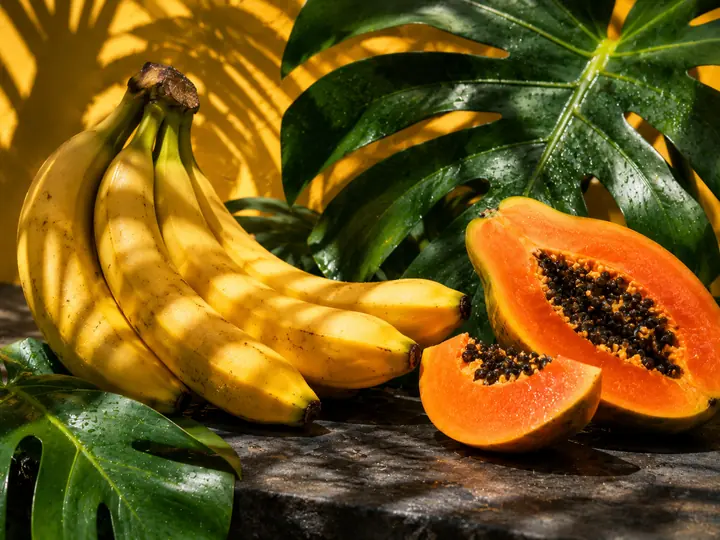
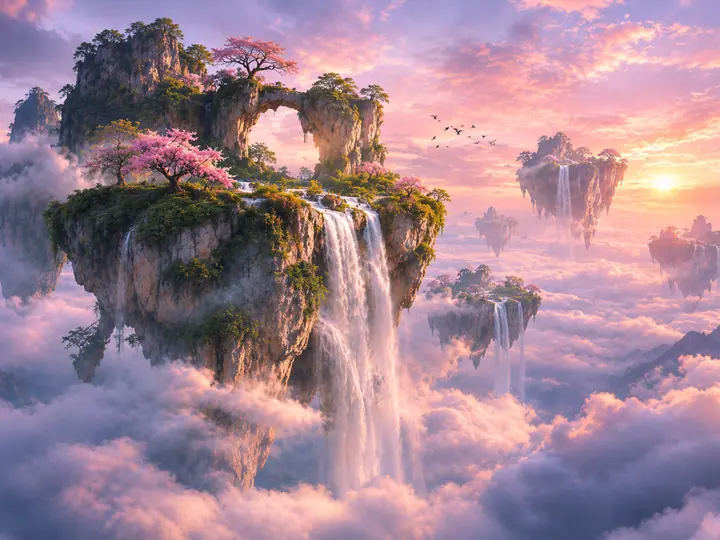
- B-roll. Generate missing shots: a city, nature, a product close-up.
- Transitions. Set the first and last frame, and the model makes a smooth transition between them.
- Video from photos. Bring the client's photos to life when there is little footage.
- Quality. Upscale old and blurry footage to 1080p or 4K.
- Thumbnails. Eye-catching covers for videos in the same style.
How to do it in genframe
genframe has everything for the AI part of editing:
- B-roll. Kling, Seedance and Grok Imagine Video make short clips from a description.
- Transitions. Models with first and last frame create a smooth transition between two images.
- Video from photos. Upload a photo as the first frame, and the model turns it into a short clip.
- Video upscaling. Topaz raises resolution to 1080p, 2K or 4K.
- Thumbnails. GPT Image and Nano Banana create covers for videos.
New users get 15 free credits to try images. For video and client work you need a paid plan: files from free access can't be used commercially. If you also want to make thumbnails, read YouTube thumbnail design as a service.
Rights and rules
- Client materials. Only use videos, photos and music the client has rights to.
- Music. Use tracks from licensed libraries, or the video may be blocked.
- Honesty. Don't pass off generated shots as real footage if it misleads viewers.
- Agreement. Fix the number of revisions, deadlines and delivery format.
FAQ
Where should a beginner start?
Pick one editing app and one format, such as short videos, and put together 3–5 examples.
How much can you earn with video editing?
It depends on the niche, experience, market and number of orders. There are no guaranteed amounts.
Will AI replace video editors?
No. AI speeds up individual tasks, but the story, rhythm and taste come from a person.
What kind of clips does AI make best?
Short B-roll, transitions and animated photos a few seconds long.
Earn from recommendations
If you teach others to edit videos with AI, join the genframe partner program and earn a percentage of payments from people who sign up through your link.