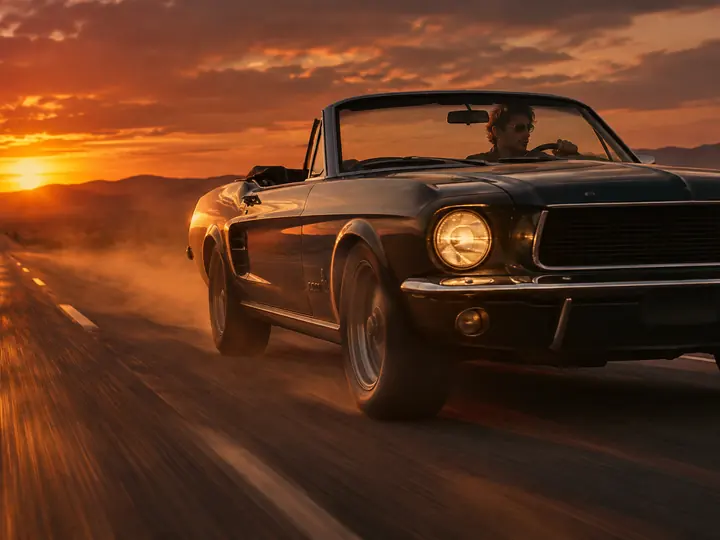
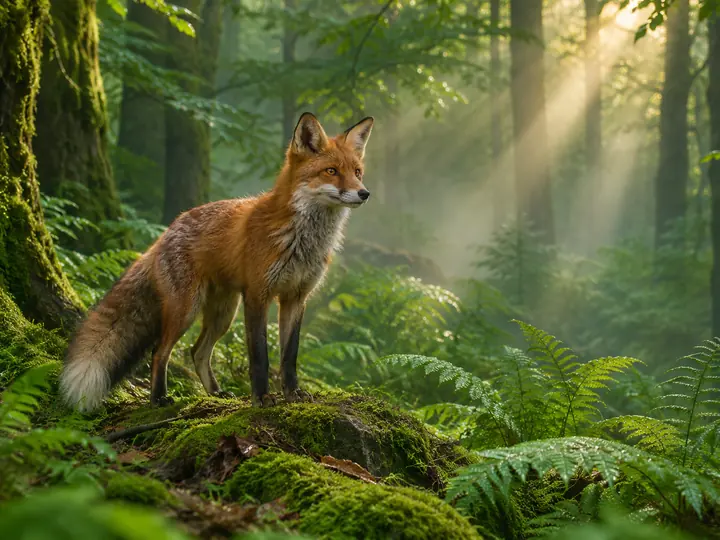
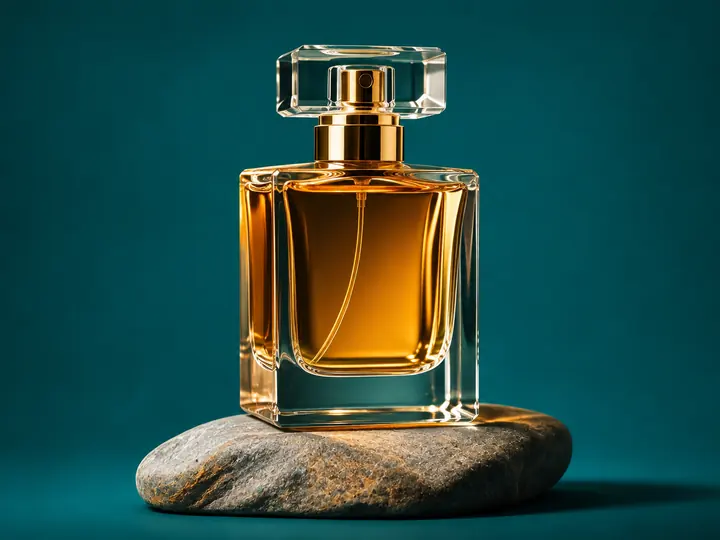
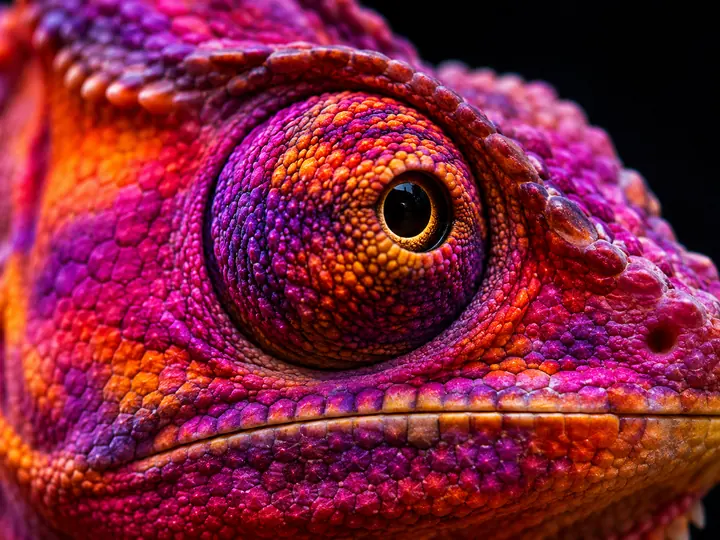
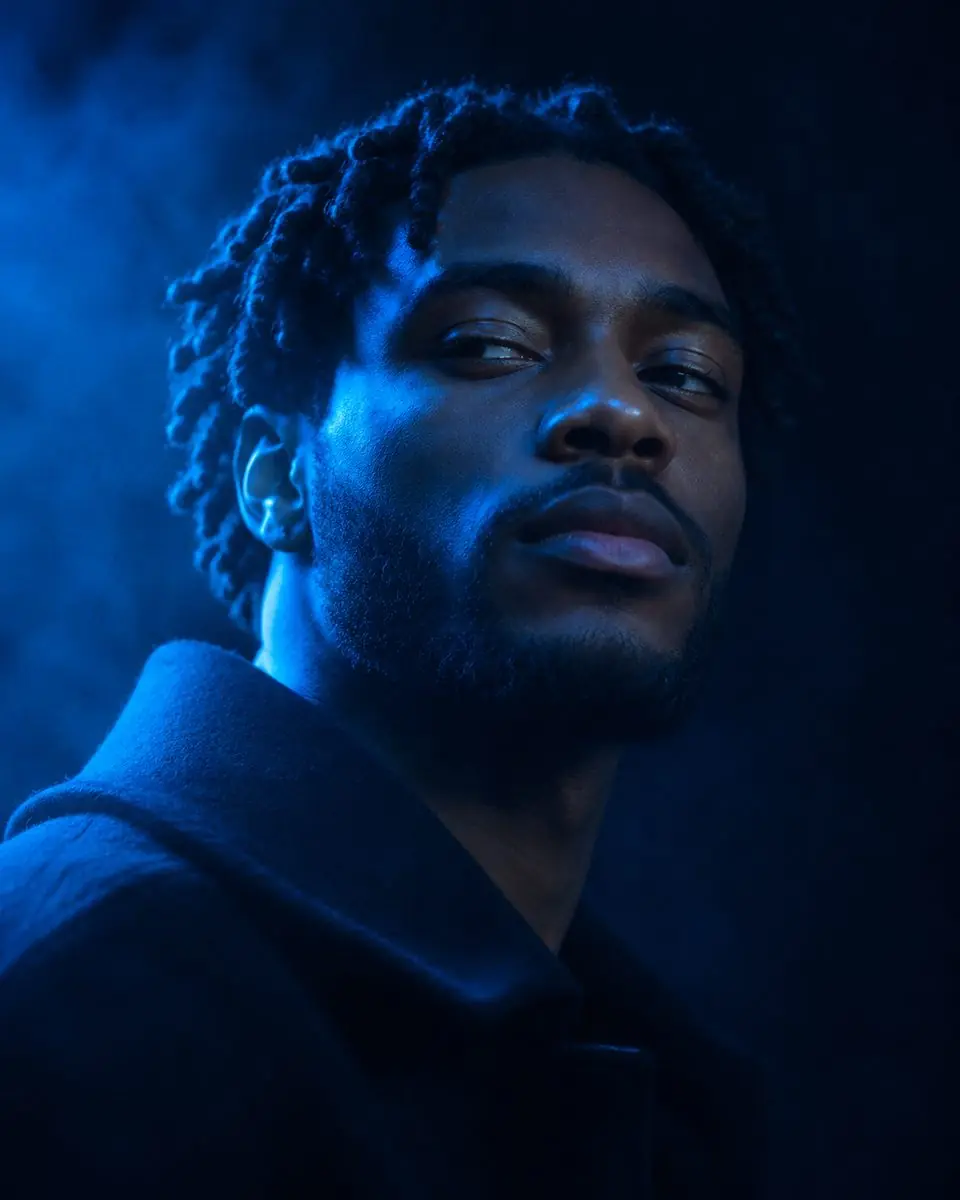
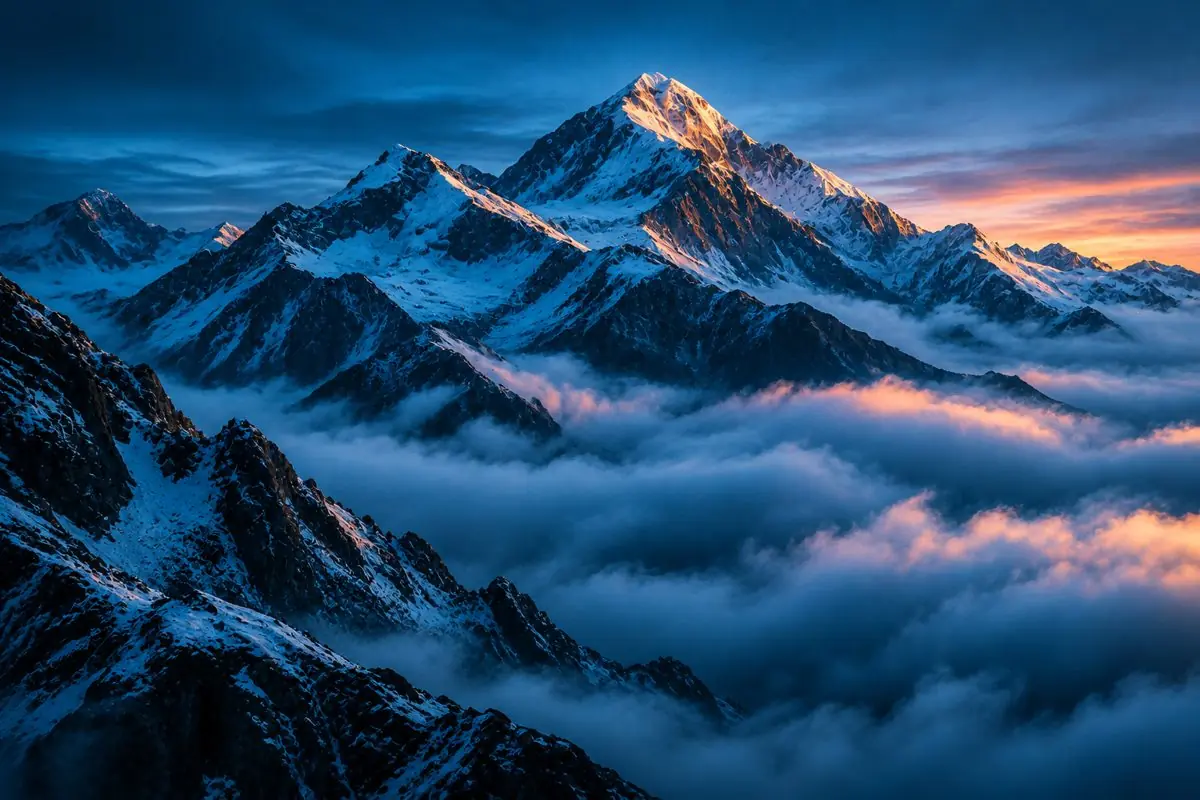
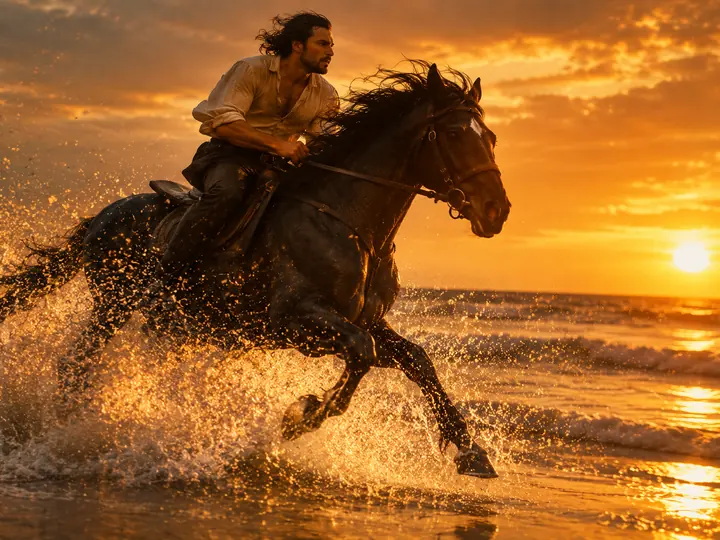
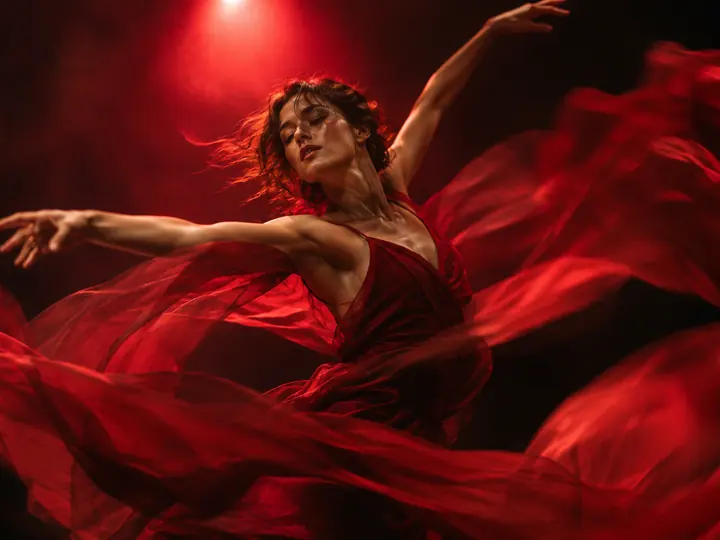
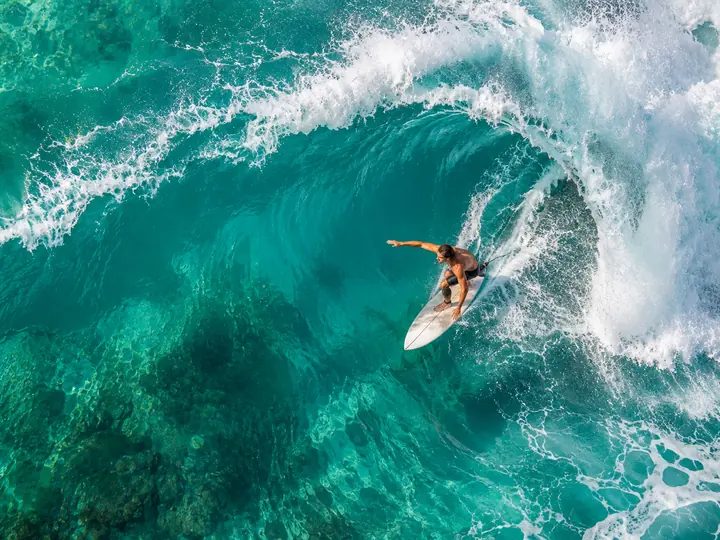
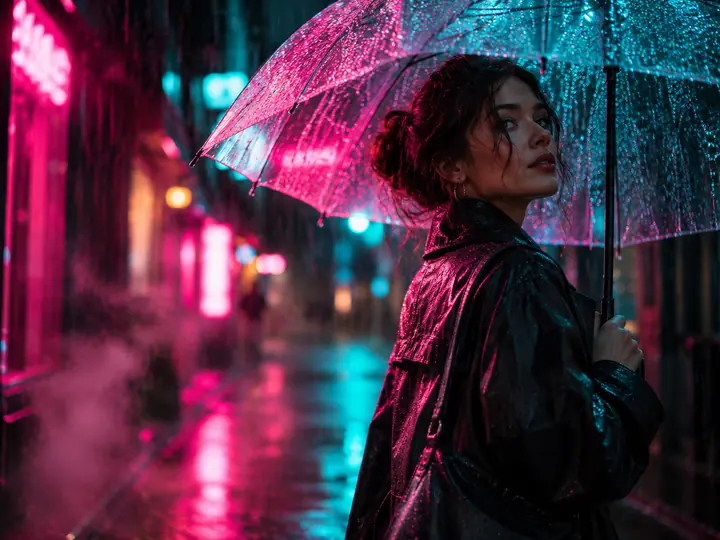
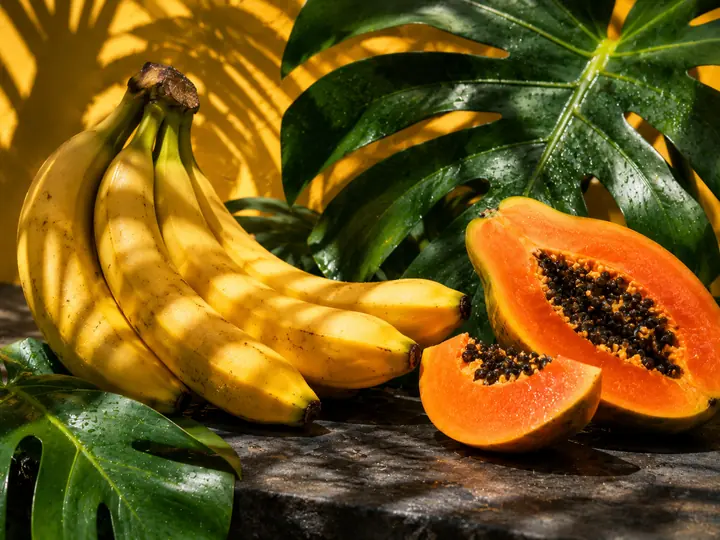
YouTube thumbnail design: earn by making thumbnails for creators

- A YouTube thumbnail is a 16:9 image, usually 1280×720, that must read well even when small.
- A good thumbnail has one idea, a big subject, strong contrast and 2–4 words of text.
- AI makes the background, the scene and the hero; you add the text and the final edits.
- Look for clients among small and growing channels and offer monthly packages.
- Images in the right format and upscaling are in genframe.
The thumbnail decides whether a viewer clicks. Creators publish videos every week, and each one needs a bold, clear image. Many of them don't want to spend time on it and look for a designer. With AI a thumbnail takes about half an hour, which makes it a handy side hustle for anyone with taste and a bit of patience.
What makes a thumbnail clickable
- One idea. Viewers should get the topic in a second.
- A big subject or face. An emotion on a face beats small details.
- Contrast. A light subject on a dark background or the other way round, bright colours.
- Short text. 2–4 big words that don't repeat the video title.
- A consistent channel style. Recognisable colours and font on every thumbnail.
How to find clients
- Make 6–10 samples for different niches: gaming, education, travel, cooking, finance.
- Redo thumbnails of small channels. Show a before and after and offer to work together.
- Freelance sites and creator communities. Many creators look for a regular designer.
- Packages. For example 4 or 8 thumbnails a month with a volume discount.
- Extras. Channel banner, avatar, covers for Shorts and community posts.
How to make a thumbnail: the process
- Brief. Video topic, emotion, channel colours, the creator's photo if their face is needed.
- Scene. Generate the background and subject in 16:9.
- Hero. Use a photo the creator sent you, or a generated character.
- Text. Add big words in an editor and check they read at a small size.
- Variants. Deliver 2–3 versions so the creator can compare them in YouTube's A/B test.
How to do it in genframe
genframe covers the whole image side of a thumbnail:
- Scene and subject. GPT Image and Nano Banana create bold 16:9 scenes from a description.
- The creator's photo in a new scene. Nano Banana Pro places the person from a photo into the shot and keeps them recognisable.
- Text in the image. Ideogram is good at short, big lettering.
- Sharpness. Topaz upscaling keeps the image crisp after edits.
- Series. Pipelines help you produce thumbnails in one style for every new video.
New users get 15 free credits to try things out. For client work you need a paid plan: images from free access can't be used commercially. If you want to run a channel yourself, read Faceless YouTube channel.
Rights and rules
- Faces only with consent. Use the creator's own photo or generated characters, not celebrity faces.
- No other brands or movie stills. They can infringe copyright.
- Honesty. The thumbnail must match the video, or YouTube may limit it and viewers will leave.
- Contract. Agree on revisions, deadlines and who owns the rights to the thumbnails.
FAQ
What size is a YouTube thumbnail?
Usually 1280×720 pixels, 16:9. Check YouTube Help for the exact requirements.
How much should I charge per thumbnail?
There is no single price. It depends on complexity, market and revisions. Monthly packages are easiest to sell.
Do I need to be able to draw?
No. It matters more to understand what hooks viewers and to work well with text and colour.
Can a thumbnail be made entirely with AI?
The scene and hero, yes. Text and the final check are better done by hand.
Earn from recommendations
If you teach creators to make thumbnails with AI, join the genframe partner program and earn a percentage of payments from people who sign up through your link.